
DIGITNOW!
Capture Card, USB Video Capture Card Device, Audio Video Converter Grabber for RCA to USB-Convert VHS Mini DV VCR Hi8 DVD to Digital, for PC TV Tape Player Camcorder, MAC Windows Vista Compatible
Choose options
About This Item:
| Compatible Devices | Camcorder, Personal Computer, Television |
| Specific Uses For Product | TV |
| Connector Type | RCA |
| Color | Capture Card |
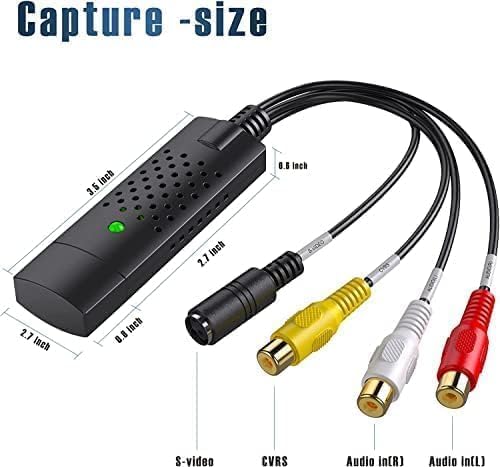
| Item dimensions L x W x H | 3.5 x 0.98 x 0.59 inches |
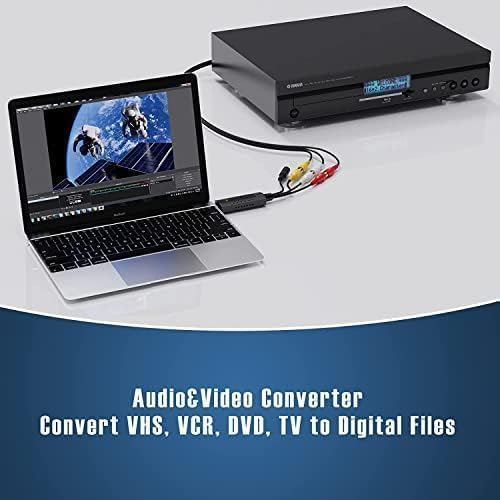
- AV TO USB Converter: Capture videos and audios from VHS, VCR, Hi8, DV tapes to a PC, with the help of our USB Video Converter. Save room while digitizing your favorite old memories
- Quality Capture Card: Our USB Video Capture Card converting anolog RCA composite input into HD 720P USB output and capturing audio without any sound card. Advanced signal processing technology provides you with great precision, colors, resolutions, and details
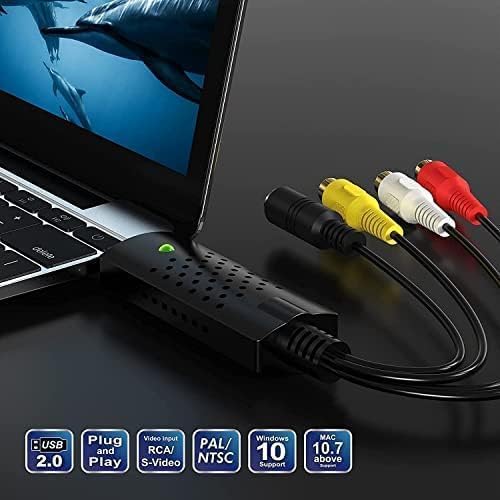
- Plug and Play: Automatically install the driver once you hook up this RCA to USB Converter to a PC. No external power is needed. User-friendly and easy to operate
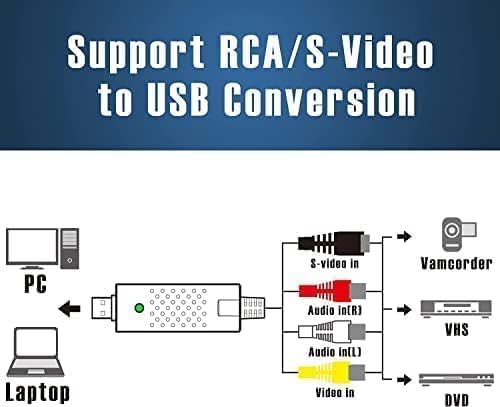
- Wide Compatibility: The Video Capture Card can work with video devices with RCA connector or S-Video connector, such as VHS, VCR, Hi8, camcorder, compatible with Windows and Mac OS. Support video formats like NTSC, PAL, and support brightness, contrast, hue, and saturation control
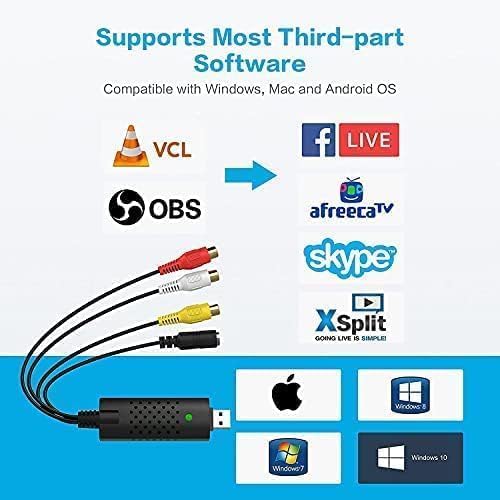
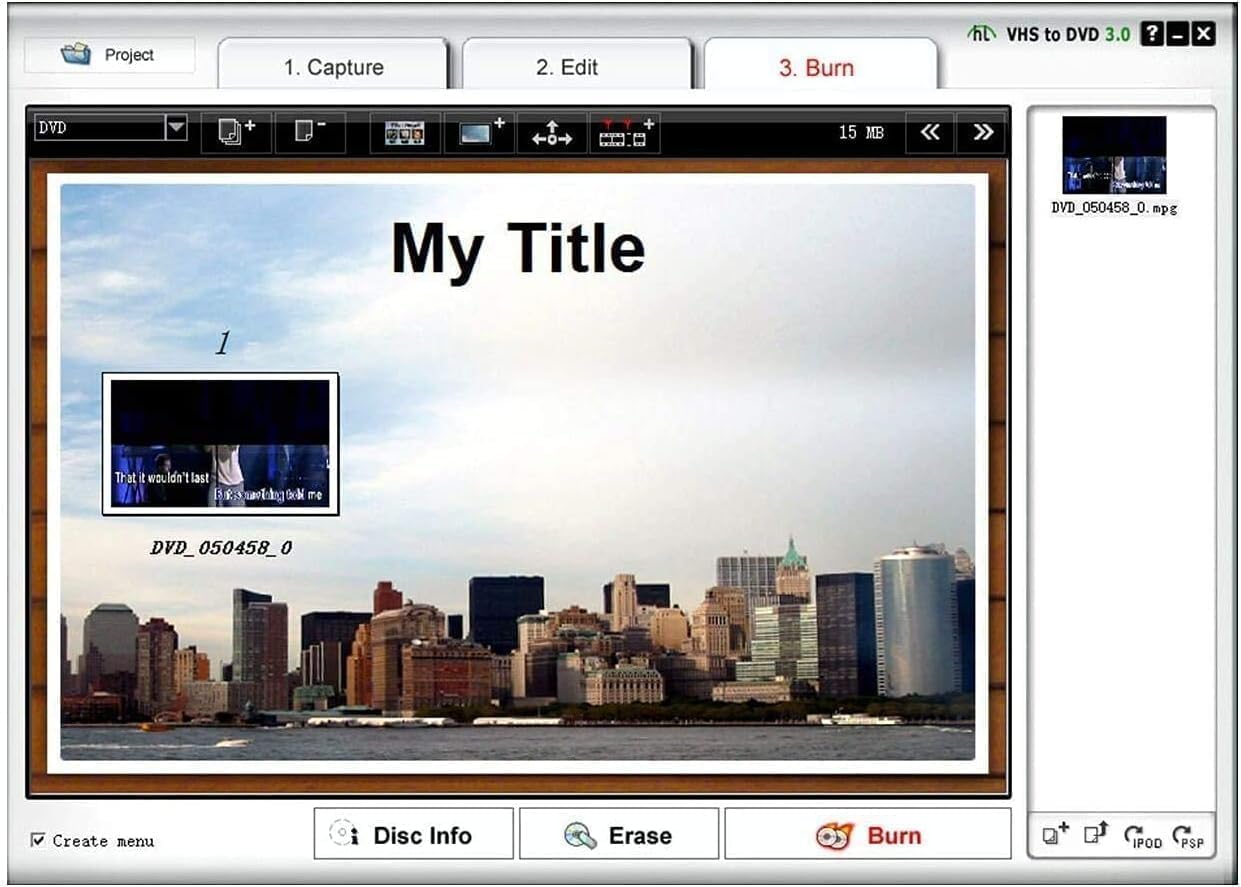
- Note: The Video Converter is used with acquisition software. We recommend OBS Studio or PotPlayer for Windows, and QuickTime Player for Mac. They can be downloaded for free online. Please operate according to the steps in User Manual or contact us if you have any questions

RCA TO USB Converter with Powerful Video Capture Capability
Got a lot of video tapes taking up so much room?
Would like to save your favorite memories forever?
VIXLW VHS to Digital Converter turns them into digital files.
With VIXLW converter VHS to digital, easily capture from your devices with RCA port, like VHS/DVD/DV/Hi8 players or camcorders, and save your digitized videos onto your computer's hard drive.

Specifications:
PC Hardware Interface: USB2.0
Operating System: Windows XP, Vista, 7, 8, 10, Mac OS 10.15
Supported TV Standards: NTSC, PAL
Video Input: One RCA composite, One S-Video
Audio Input: Stereo audio (RCA ) mm
Output Resolution: 720p@25HZ
Conversion Type: RCA TO USB, S-Video TO USB
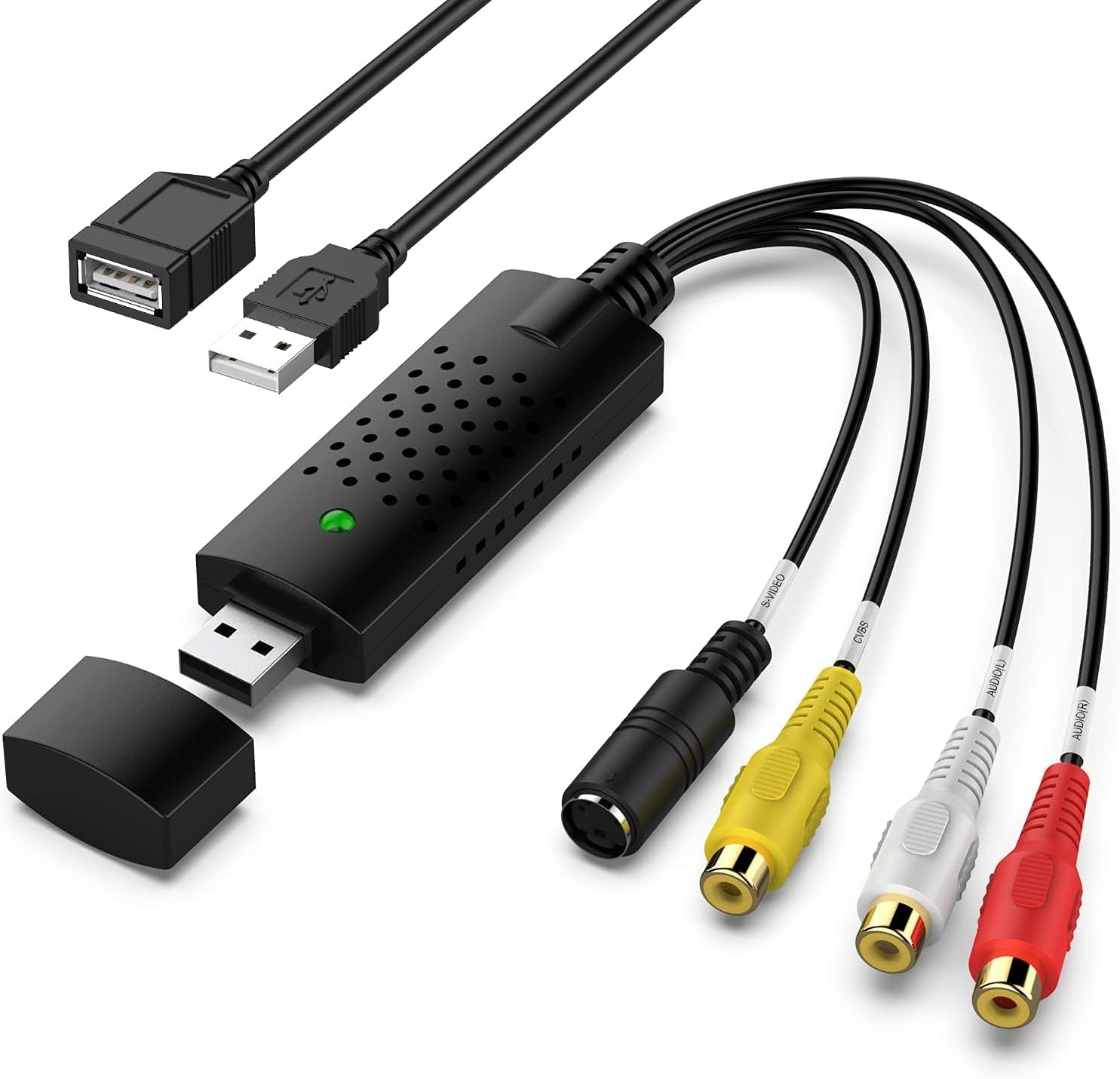
Packaging: USB Video Converter*1, USB Extension Cable*1, User Manual*1

How to Reach Your Goal with AV TO USB Converter?
Step 1: Hook up the VHS to digital converter to your computer, and the driver will be shown automatically installed on the screen.
Step 2: Connect the converter VHS to digital to your video sources with RCA or S-Video cable.
Step 3: Open OBS Studio or Potplayer or QuickTime Player and run it.
(Note: No CD is included. Our VHS digital converter needs to work with OBS or Potplayer or QuickTime Player software. The software can be downloaded for free online. The download link is included in user manual.)
Step 4: Capture your video.
Notice: Please unplug and replug converter into the USB port if device cann't be recognized!
Convert your VHS memories to digital files effortlessly with USB video capture today!

