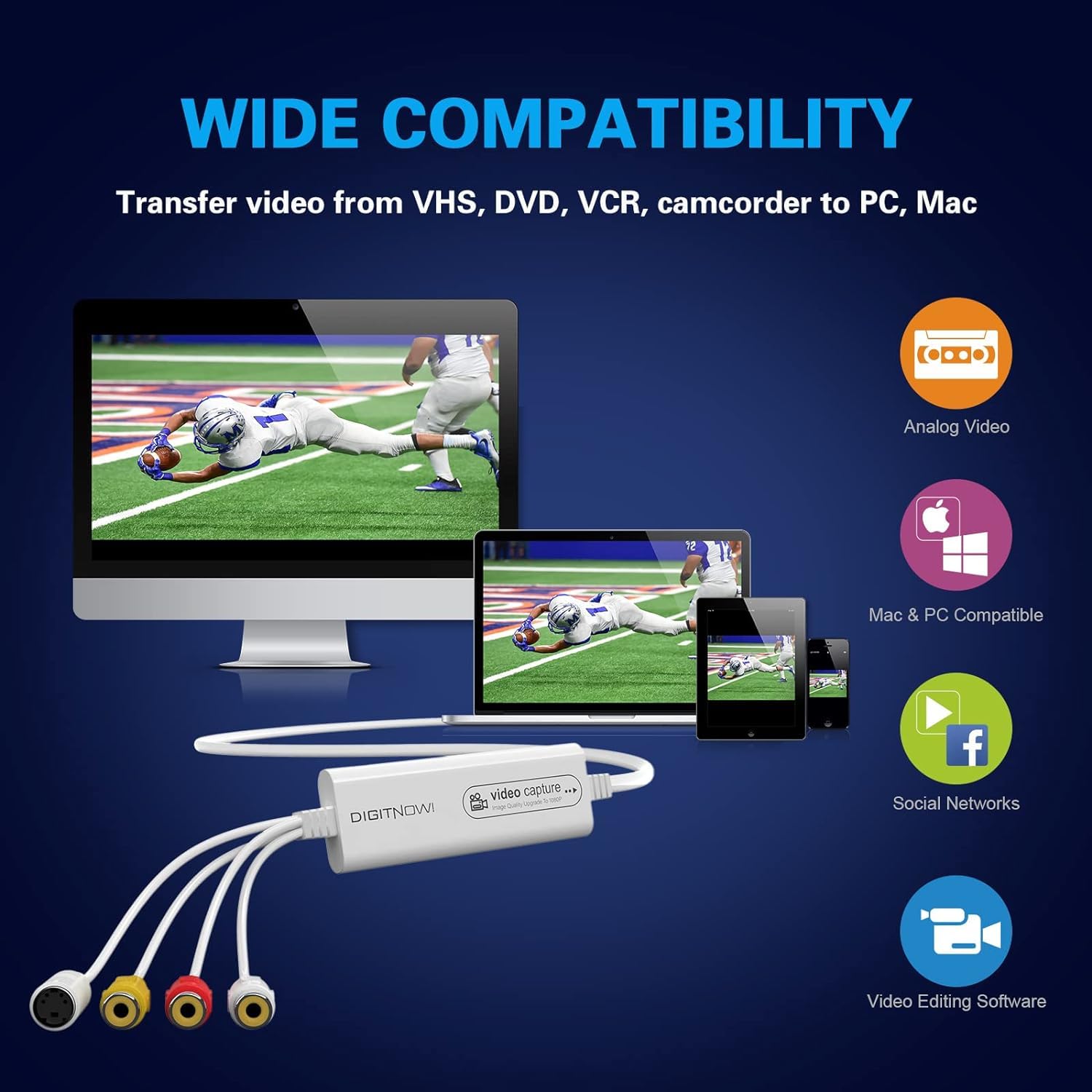

Introduction: The Digitnow USB 2.0 VHS capture card enables easy, high-quality digitization of analog tapes into versatile digital formats, preserving memories with minimal setup and troubleshooting.
As the chill of autumn sets in, many people turn to nostalgia, dusting off old VHS tapes packed with family memories and special moments. The Digitnow VHS to digital converter becomes particularly relevant during these times, providing a bridge between the analog past and the digital present. This usb 20 vhs capture card allows users to bring aging video footage into a modern format without complicated setups, turning those fragile tapes into viewable, shareable digital files. For anyone looking to preserve cherished videos as the seasons change, understanding how to fully utilize a usb video capture device vhs can make the difference between a simple transfer and a seamless experience that safeguards irreplaceable memories.
Best practices for preparing VHS tapes and analog sources for digitization
Before plunging into the digitization process, it’s crucial to prepare VHS tapes and other analog sources properly to ensure the highest quality results with the usb 20 vhs capture card. Start by inspecting each tape for physical damage like mold, crinkles, or excessive dust that could hinder playback or damage the capture device. Carefully cleaning the tape head and cleaning the VHS deck can also reduce tracking errors and visual noise in the final digital file. Using a usb video capture device vhs, like the Digitnow model, pairs well with a well-maintained VCR, and players that support stable tracking tend to produce clearer captures. Ideally, allow the VHS tape to rewind fully, then fast-forward to near the end before capturing, as older tapes often display fewer dropouts in these sections. Pilot the conversion with a small fragment of video to check for synchronization or distortion issues, adjusting device settings and cable connections if needed. Taking these preparatory steps enhances the usb 20 vhs capture card’s ability to record smooth, reliable digital files while reducing post-production work and preserving the integrity of precious memories.
Leveraging multiple format support in digitnow video capture for versatile output
One notable advantage of this usb video capture device vhs lies in its flexibility across different file and video formats, which caters to various user needs and playback environments. The Digitnow converter supports popular video codecs and containers like MP4, AVI, or MKV, allowing users to choose compatible and widely accepted formats for editing software or online sharing platforms. Audio formats such as MP3 and AAC are also supported to maintain soundtrack clarity alongside the video. This adaptability is especially helpful when using the device to convert tapes from a variety of sources, like Hi8 camcorders in addition to VHS. Because the usb 20 vhs capture card automatically detects the underlying analog signal type, whether NTSC or PAL, it simplifies the process by adjusting output settings accordingly. Users gain the freedom to create video files optimized for different purposes—high resolution for archiving, moderate compression for faster uploads, or even DVD-burning formats using bundled software. Such versatility underlines the value of choosing a usb video capture device vhs that can intelligently switch formats, providing convenience without sacrificing quality fidelity.
Troubleshooting common connection and recording issues with video vhs usb devices
Despite the ease of use promised by devices like the Digitnow usb 20 vhs capture card, some challenges can arise during setup and recording that merit attention to avoid frustration. Connection problems are among the most common hurdles—loose RCA or S-Video cables can cause signal loss or flaky video capture, resulting in flickering or black screens. Ensuring all connectors are snug and using quality cables minimizes this risk. The device’s plug-and-play nature generally eliminates driver conflicts, but verifying that the host computer’s USB 2.0 port is functioning properly and that the appropriate capture software is selected and configured remains essential. When recording, audio and video can become out of sync if system resources are strained or processor speeds are inadequate; closing unnecessary programs and selecting lower resolution capture settings can stabilize performance. Occasionally, the captured video may show color distortions or tracking artifacts inherited from the tape, in which case testing alternative VCRs or adjusting capture parameters can help. Understanding these typical concerns empowers users to make full use of the usb video capture device vhs features and ensure clean, steady digital reproductions of analog footage without costly interruptions or loss of valuable data.
Digitnow’s usb 20 vhs capture card offers a practical answer for transforming analog tapes into secure digital files, combining ease of connection, format versatility, and dependable compatibility to meet preservation needs. The unit’s straightforward design and adaptability in handling different video inputs resonate with users who want to safeguard memories with minimal technical barriers. Whether handling collection-wide transfers or selective digitization, the device’s responsiveness and consistent output quality make it a reliable companion in the journey from outdated media to modern digital storytelling. Embracing this usb video capture device vhs allows for a comforting assurance that treasured video moments remain accessible and protected for years to come.
References
1. Digitnow USB 2.0 Video Capture Card Pro Version – VHS to 1080P 30Hz – A versatile USB video capture device for converting VHS tapes to digital formats.
2. Digitnow 1080P Video Recorder – Best VHS to Digital Tool – High-definition video recorder for digitizing VHS tapes with ease.
3. Digitnow SCART Adapter – VHS to Digital Converter – SCART to HDMI adapter for connecting VHS players to modern TVs.
4. Digitize VHS with the DIGITNOW USB Video Capture Converter! – A comprehensive guide on using the DIGITNOW USB Video Capture Converter to digitize VHS tapes.
5. Digitnow Capture Card – Best VHS to Digital Converter – A reliable capture card for converting VHS tapes to digital formats.