
About This Item:
| Compatible Devices | Television |
| Specific Uses For Product | Video Capture Card, Video Converter |
| Connector Type | RCA |
| Color | White |
| Brand | VIXLW |
| Package Dimensions | 8.03 x 5.59 x 1.54 inches |
|---|---|
| Item Weight | 9.5 ounces |
-
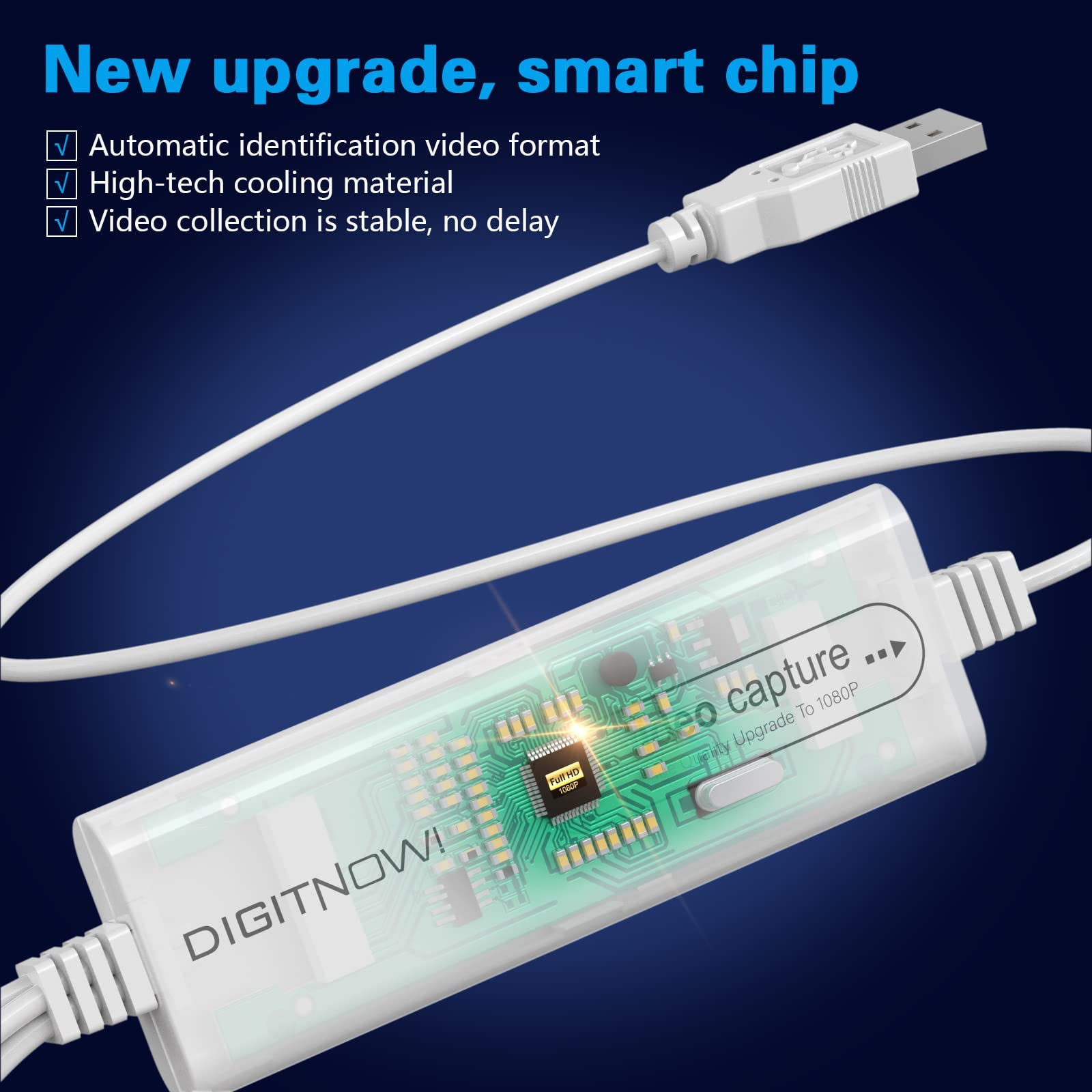
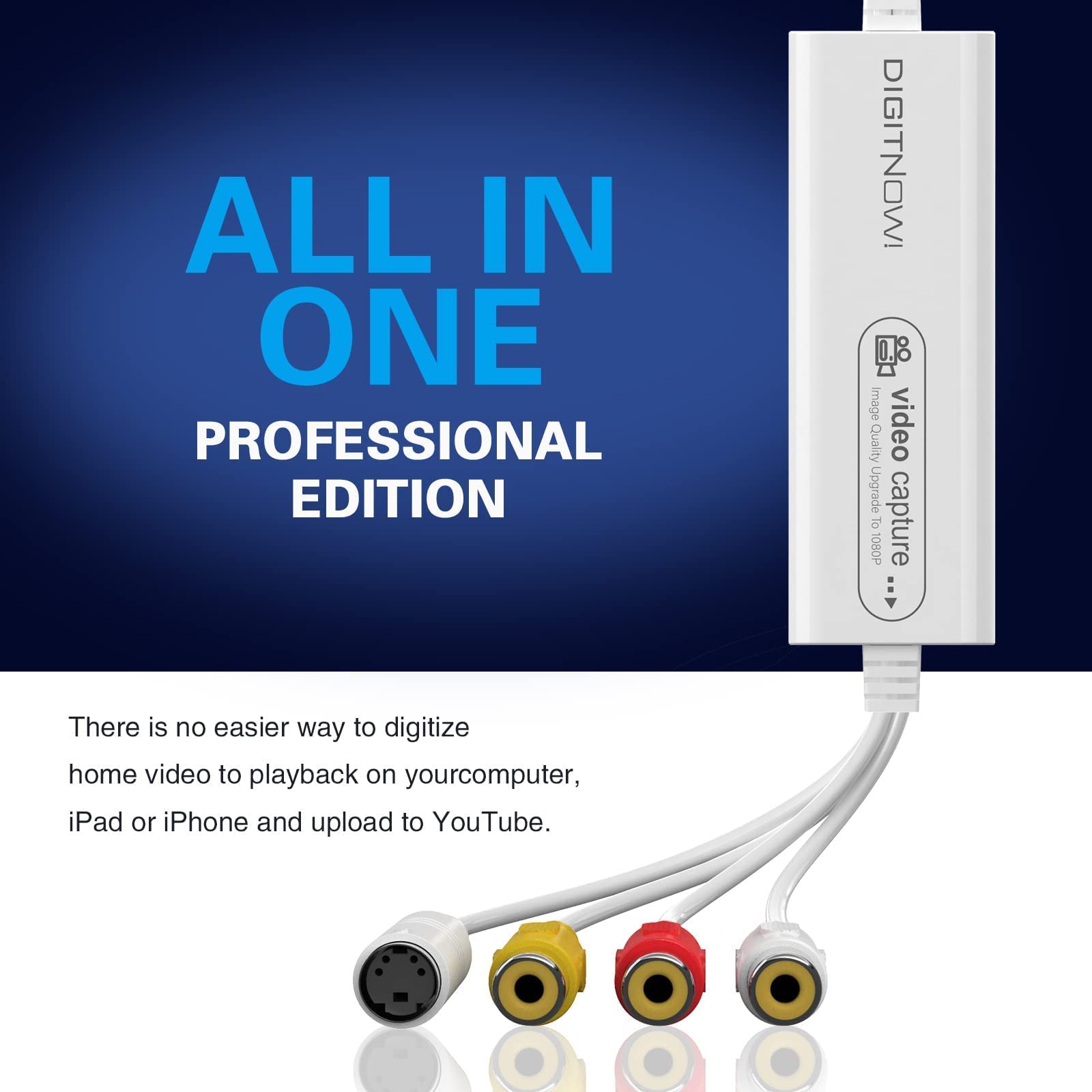
【All In One Pro Version】---Using the latest upgraded chip, this vhs to digital converter machine supports MJPEG-1920×1080@30Hz and YUV422-720×576@25Hz video output. Bundled with powerful, easy-to-use editing software, the converter vhs to digital process allows you to edit footage, burn it to DVD format, or convert it to other digital formats. You can also upload your content to YouTube and other platforms to share with family and friends. It’s a practical vhs digital converter for modern archiving.
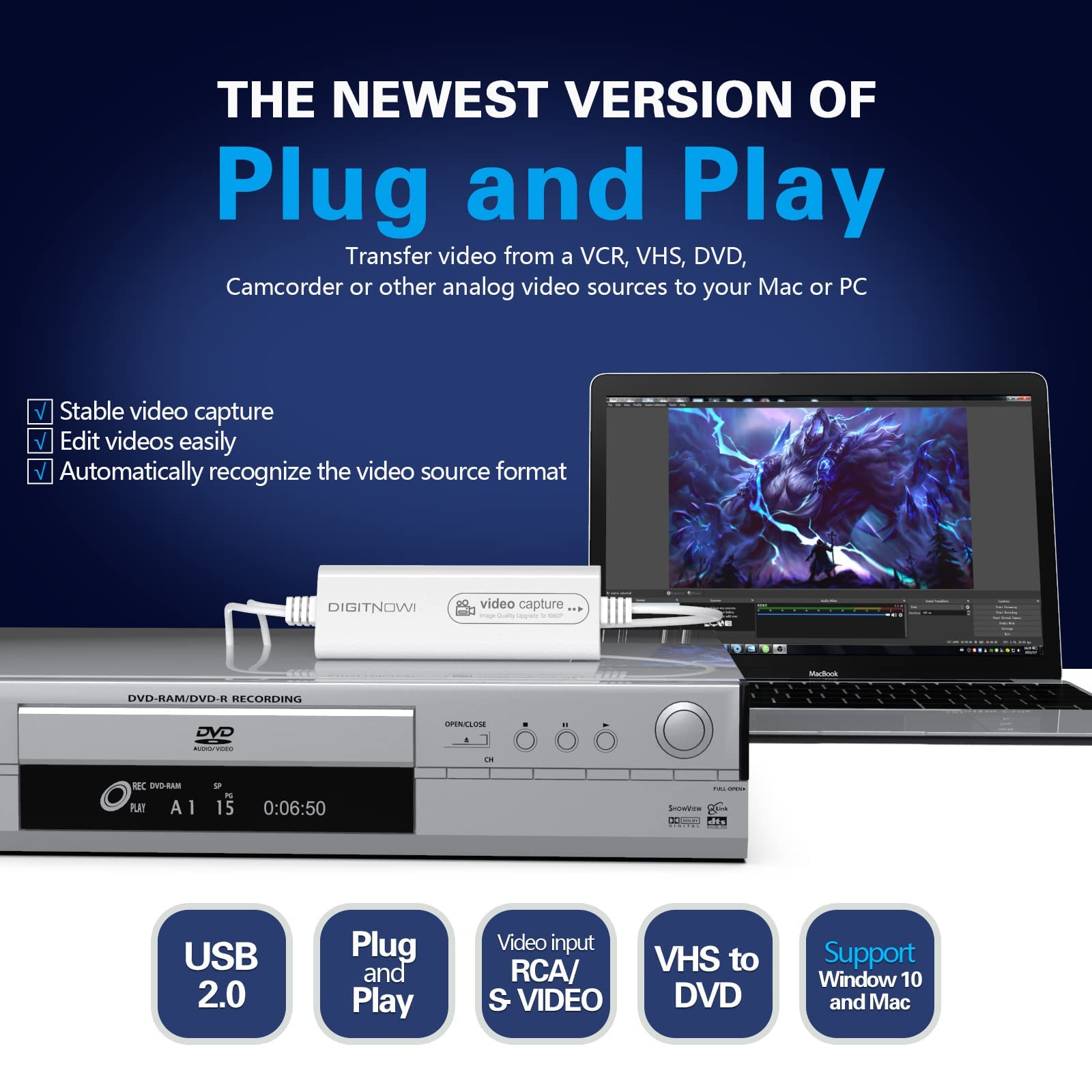
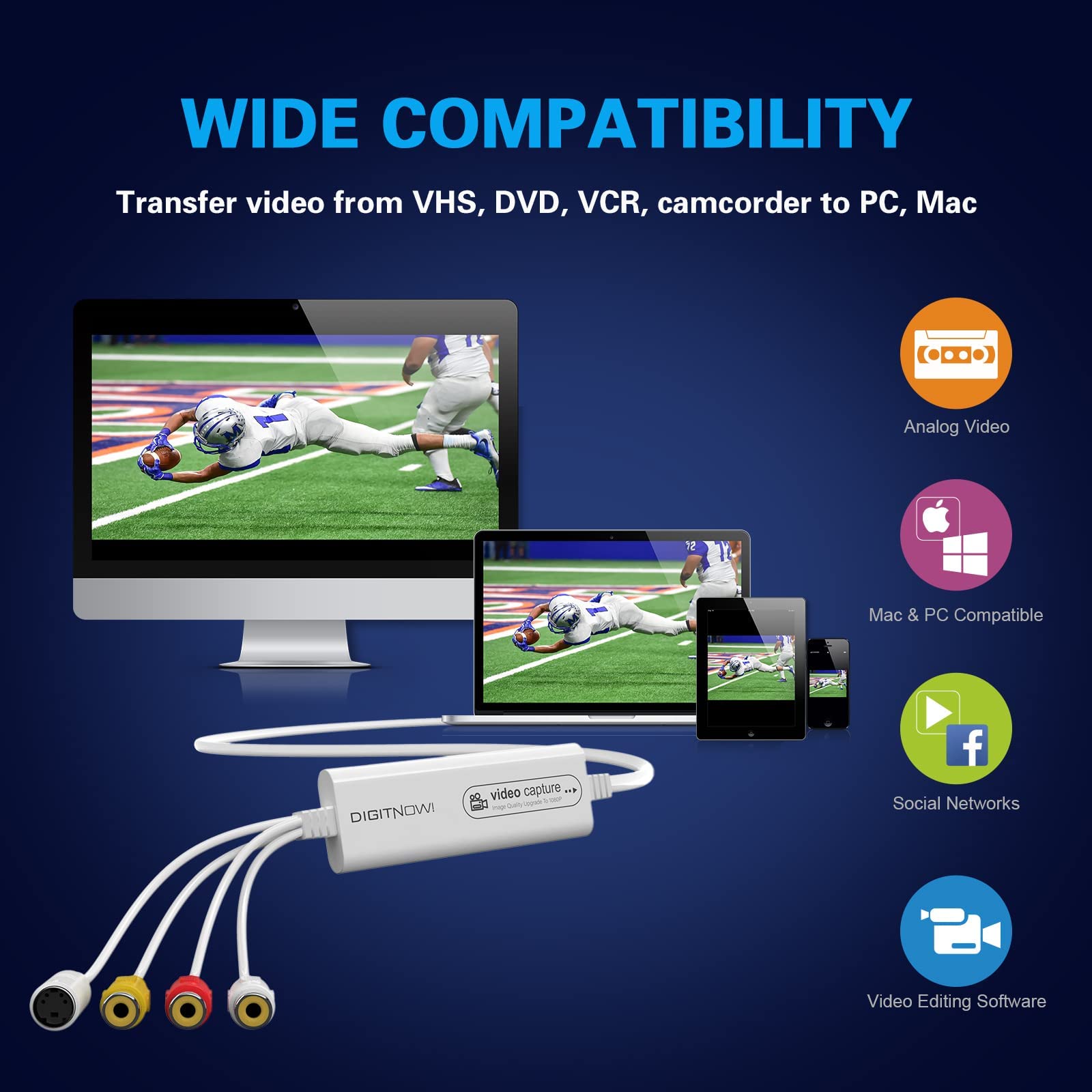
【Easy to Use】---This latest smart upgrade model is designed to digitize vhs tapes into digital files across multiple formats. It can automatically detect both the input and output video format, or allow manual adjustment. Simple and effective, this vhs to digital converter works with VCRs, VHS players, DVDs, camcorders, and other analog sources, making it a reliable option for home media conversion.
【Strong Compatibility】---Equipped with a next-generation chip and USB 2.0 interface, this vhs to digital converter captures video and audio with enhanced stability. It automatically detects signal type and supports NTSC/PAL formats. Compatible with Mac OS, iPad, OBS, Android, and Windows XP/7/8/10, this standalone vhs-to-digital converter box meets the needs of cross-platform users.
【Plug and Play】---No need for manual driver installation. With automatic setup and support for RCA, CVBS, S-Video input, and USB 2.0 output, this converter vhs to digital offers quick connection and a reinforced interface for lasting use. Its compact, lightweight design makes it ideal for easy transport and use on demand.
【Perfect Service】---DIGITNOW offers 24-hour online technical support and a 30-day refund policy. If you have any issues using this vhs to digital converter, feel free to contact us for timely assistance.
Product Description


VIXLW Video Capture-Convert Your Video Tapes to DVD & Digital Video

-
Why Choose VIXLW Video Capture?
Easily digitize vhs from 8mm/Hi8, VHS, VCR, mini DV, camcorder, or other analog video sources on your Mac or PC using this reliable vhs to digital converter.
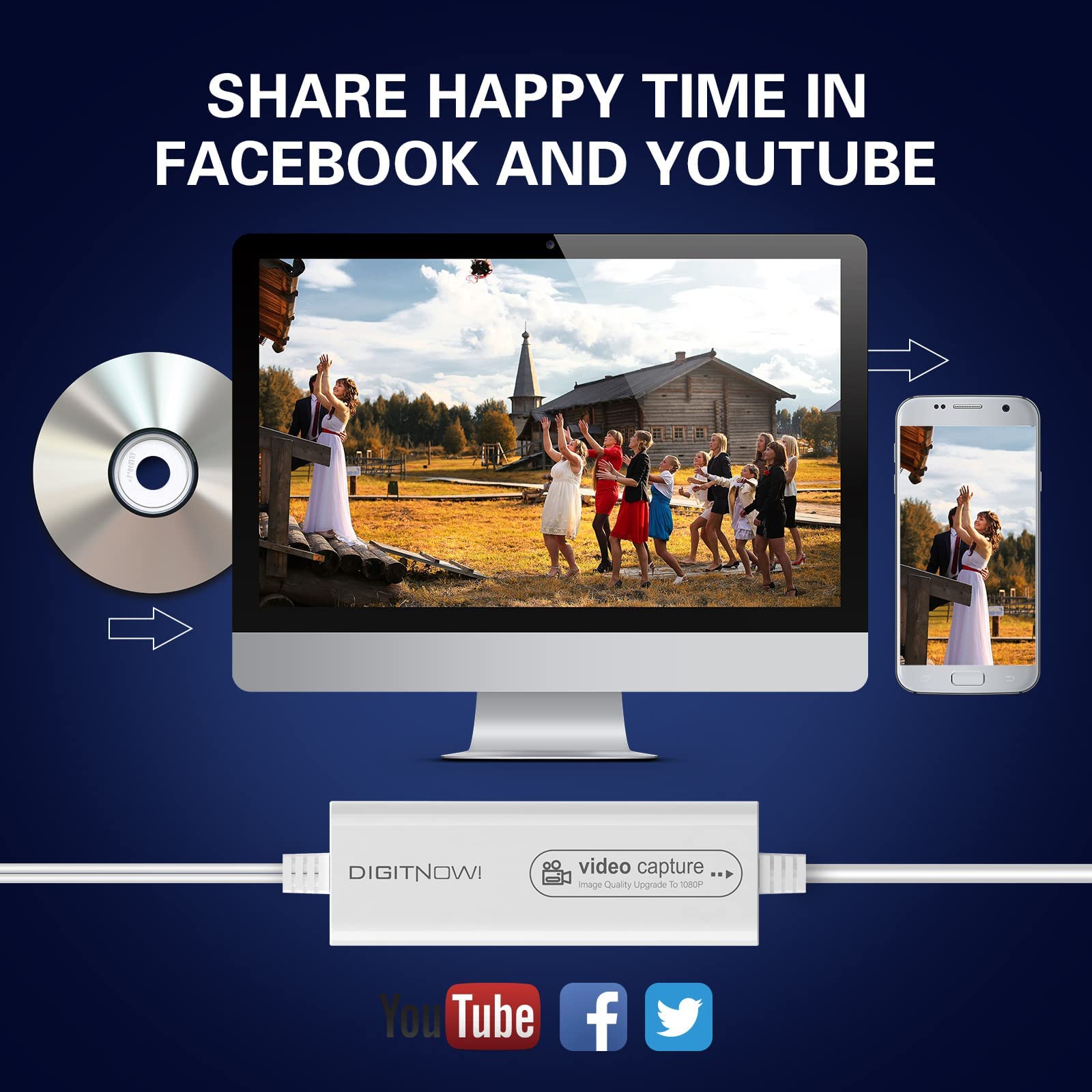
Upload your converted videos directly to YouTube, Facebook, or other social platforms with ease.
Capture video in multiple digital formats (such as MP4), compatible with various video editing software for enhanced flexibility.
Output resolution supports up to 1080p, delivering clarity superior to many basic vhs digital converter options.
Includes 2 blank CDs to burn your video onto DVD for archiving or sharing.
VHS/VCR/Hi8/DVD to Digital Converter
Have a stack of old video tapes stored away? Use your computer and this vhs to digital converter machine to preserve your memories in digital format.
VIXLW Video Capture offers a simple and effective solution to view, convert, and share your vintage video content.
What's In The Box?
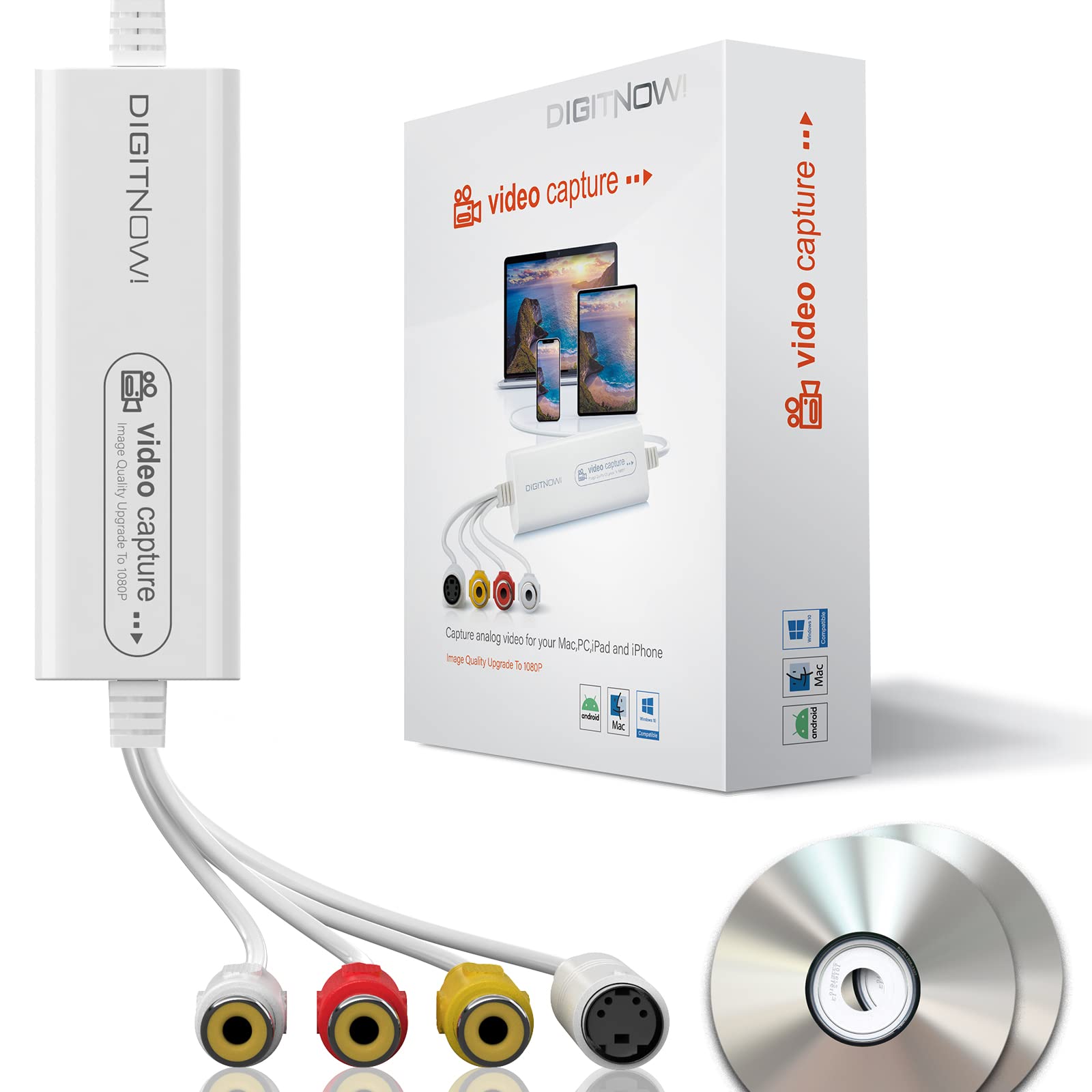
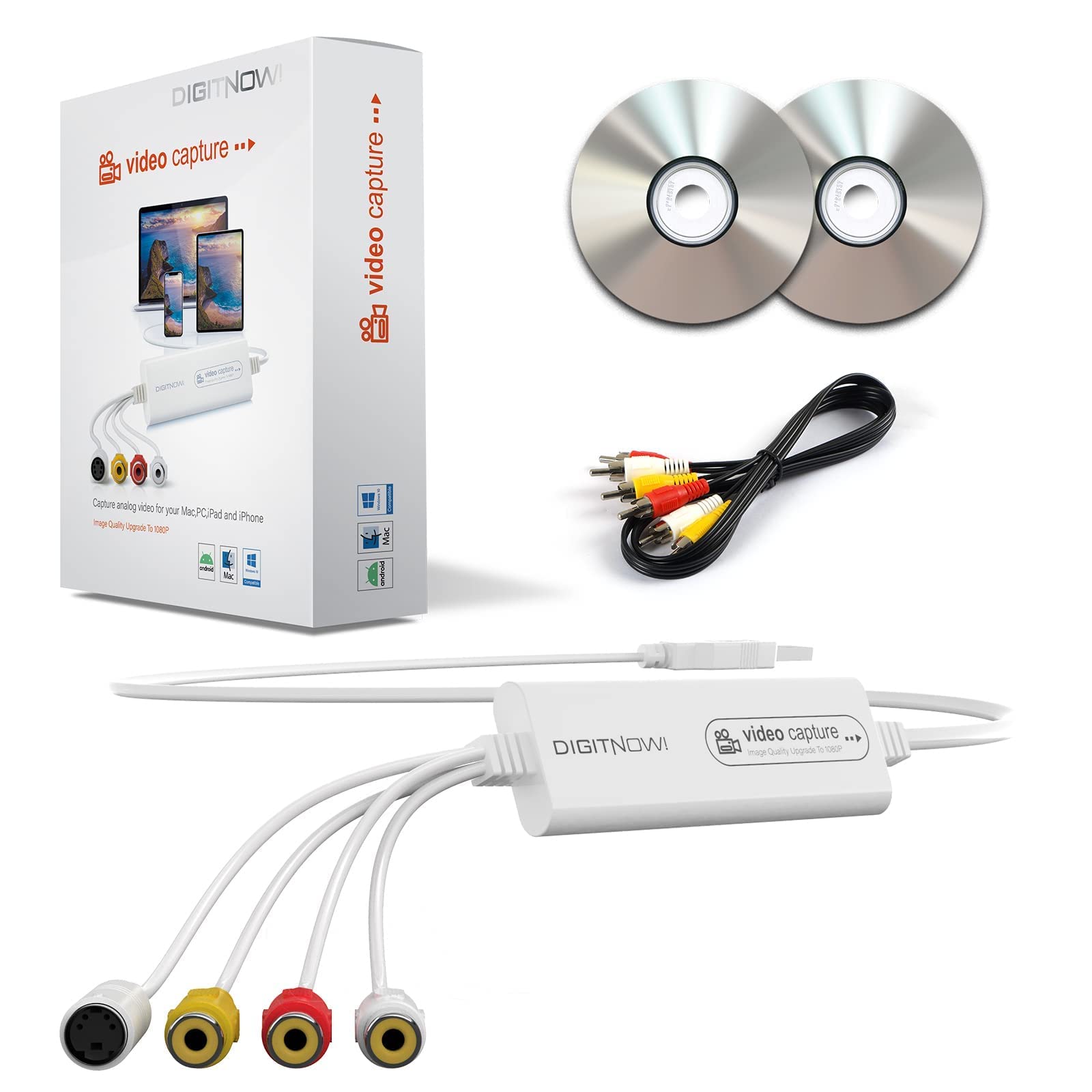
- VIXLW Video Capture
- RCA Cable
- 2 Blank CDs
- User Manual
Plug and Play, Easy to Set Up
Step 1: Plug the VIXLW Video Capture into a USB port on your Mac or PC. The system will automatically install the driver.
Step 2: Download and install OBS, PotPlayer, or QuickTime Player software (download link provided).
Step 3: Connect the capture device to your VHS player or camcorder using the included RCA cable.
Step 4: Follow the manual instructions to begin capturing and converting your tapes using this standalone vhs-to-digital converter box.

Preserve Your Old Home Movies
The VIXLW vhs to digital converter provides a reliable solution for transferring old video tapes to digital format for playback on your computer. Safeguard your most cherished memories before aging tapes become unplayable or deteriorate over time.

Share on Social Media
VIXLW Video Capture is more than just a video to digital converter—it's also a practical tool for live streaming, online classes, gaming, and video broadcasting. Share your footage easily with friends and family on Facebook, YouTube, Twitter, and other popular platforms.

Stunning 1080p Picture Quality
With resolution support including 1920×1080, 1280×720, 800×600, 720×480, 720×586, 640×480, 480×320, and 320×240, this vcr to digital converter offers HD-compatible options, making it one of the best choices for high-quality digital transfers.

Operating Systems:
- Windows 7, Windows 8, Windows 10, Windows XP
- Mac OS 10.7 or later
- Android 5.0 or higher
Output Formats:
- Video: DVD MPEG-4, MKV, AVI, H.264
- Audio: mp3, WMA, ogg Vorbis, FLAC, AAC